 Development
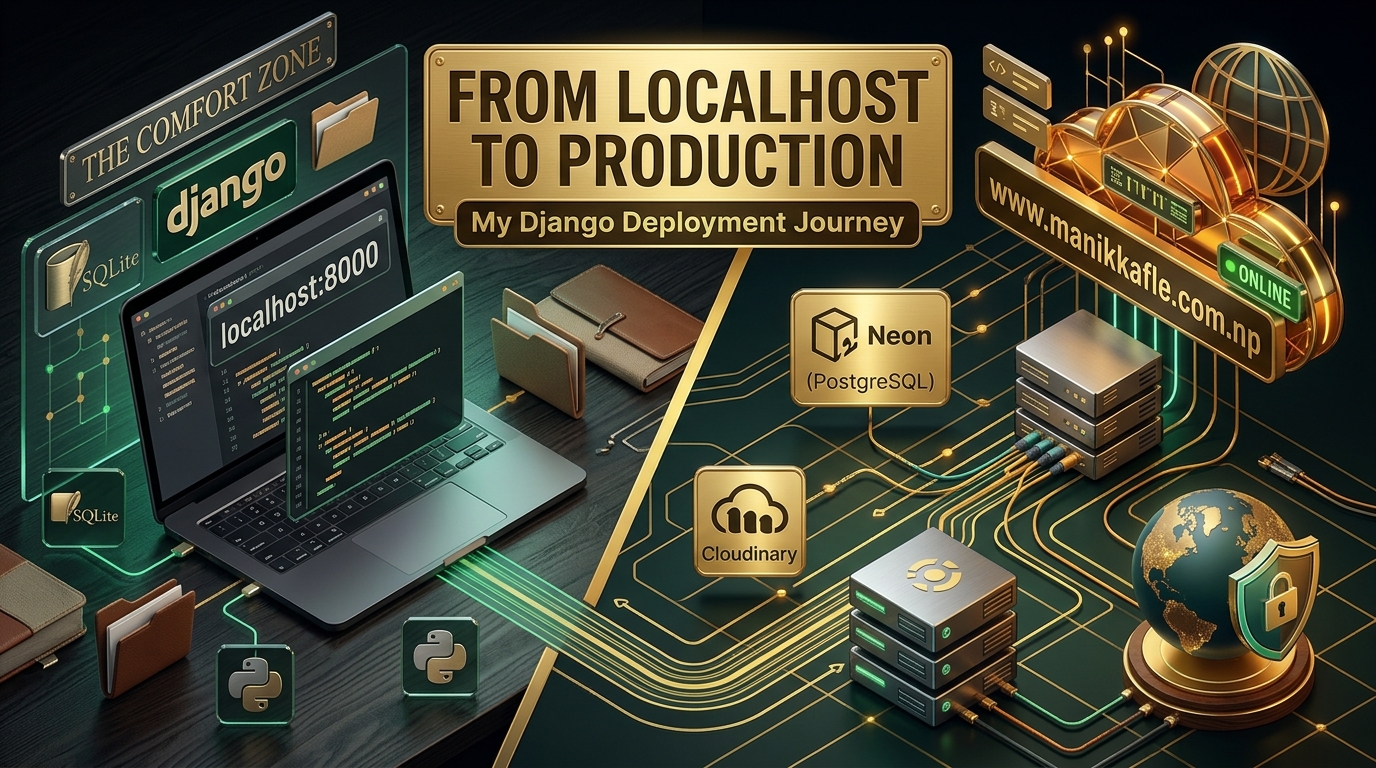
Everything worked perfectly on localhost.
That was probably the most dangerous sentence in the entire project.
The pages loaded.
The database worked.
Images appeared.
The admin panel worked.
Everything looked fine.
So naturally, I thought:
Alright. Time to deploy.
Simple, right?
Push the code, connect the repository, add the environment variables, deploy the application, and move on.
Yeah.
No.
What followed was a long collection of small problems involving Django, PostgreSQL, psycopg, migrations, Cloudinary, media files, deployment configuration, and eventually a custom domain that somehow managed to consume almost two days of my life.
But looking back, that mess ended up being one of the most useful parts of building the portfolio.
It Started Locally
The whole thing started as a pretty straightforward idea.
I wanted a personal portfolio that wasn't just a collection of static HTML pages.
I wanted to be able to manage my projects.
I wanted to add work experience without editing templates every time.
Eventually, I wanted to write blogs directly from the admin panel.
Basically, I wanted the portfolio itself to behave like a small application.
That's where Django came in.
Instead of hardcoding everything into the frontend, I could create models and let Django handle the backend side of things.
Projects could live in the database.
Experience could live in the database.
Blogs could eventually live in the database.
And Django's admin panel meant I could actually manage the content without constantly touching the code.
At first, everything was running locally.
And honestly?
It was nice.
Localhost Was Too Comfortable
During development, you don't really think about all the infrastructure underneath your application.
You run:
python manage.py runserver
and suddenly your entire application exists at localhost.
Need to change something?
Change it.
Refresh.
Done.
Need to add an experience?
Go to the admin panel.
Need to change a template?
Save it and refresh.
Need an image?
Put it in the expected place and keep going.
Everything is right there on your computer.
That convenience hides a lot of things.
Because production doesn't have your computer.
It doesn't have your local database.
It doesn't automatically have your installed packages.
It doesn't know where your files are.
It doesn't know your environment variables.
And it definitely doesn't care that something worked perfectly five minutes ago on localhost.
I was about to learn that.
The First Deployment
Once the portfolio started feeling like an actual website, I decided it was time to put it online.
I pushed the project to GitHub and started preparing it for deployment.
This was where development became less about designing pages and more about making sure the application could actually survive somewhere other than my laptop.
The first things I had to think about were:
- Production settings
- Environment variables
- PostgreSQL
- Static files
- Media files
- Dependencies
- Migrations
- Hosting configuration
None of these things were particularly exciting.
But apparently all of them were necessary.
PostgreSQL and Neon
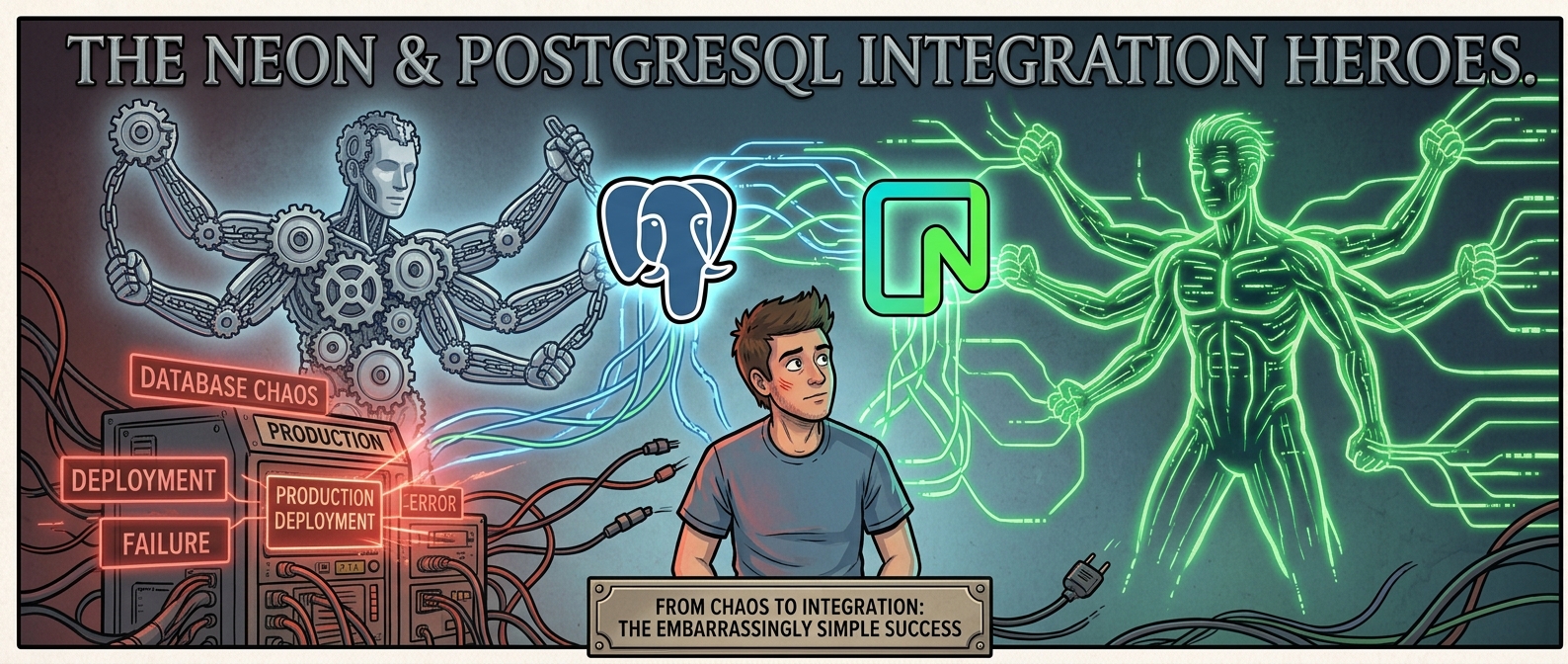
For the production database, I decided to use PostgreSQL through Neon.
Locally, I could get away with a much simpler setup.
Production was different.
I needed to properly configure the database connection and make sure Django could communicate with PostgreSQL from the deployed environment.
That meant dealing with database credentials and configuration through environment variables instead of putting sensitive information directly into the project.
The database itself wasn't the scary part.
The annoying part was making sure every piece of the application knew how to talk to it.
And then I ran into my first proper deployment problem.
The psycopg Problem
Django could use PostgreSQL.
My local machine could use PostgreSQL.
Everything looked fine.
Then the deployed application had a problem with the PostgreSQL driver.
The missing piece was psycopg.
Locally, I had the dependency available in my development environment, so I hadn't really felt the problem.
But production only knows what you tell it to install.
And if a package isn't properly included in requirements.txt, the deployment environment doesn't magically know that your application needs it.
This was one of those classic:
"But it works on my computer."
moments.
The solution was straightforward once I understood what was happening.
I needed to make sure the PostgreSQL dependency was included properly in the project's production requirements.
That taught me something pretty basic but important:
Your local environment can hide missing dependencies.
Your deployment environment won't.
So requirements.txt stopped being just another file sitting in the project.
It became the list of things production actually needed to know about.
Then Django Couldn't Find My Table
After getting the database connection working, another problem showed up.
Django started complaining about a table that didn't exist.
The error looked something like:
psycopg.errors.UndefinedTable: relation "experience_experience" does not exist
At first, I thought something was wrong with the Experience model itself.
But the model existed.
The migration existed too.
So what was going on?
The production database simply hadn't received that migration.
The Experience migration was sitting there unapplied.
Django knew that the model existed in the code.
PostgreSQL didn't have the corresponding table.
Basically:
Django: "I have an Experience model."
PostgreSQL: "Great. Where's the table?"
And that was the problem.
Once I understood that, the fix was much simpler.
I needed to apply the migrations to the production database.
That was another lesson I definitely wasn't going to forget:
Creating a migration isn't the same thing as applying a migration.
The migration file can exist perfectly inside your repository while the production database is still completely unaware of the model.
Okay, The App Works...
At this point, I was getting closer.
The application could connect to the production database.
The dependencies were being handled.
The migrations were applied.
The pages were loading.
So naturally, I thought:
Finally.
Except there was still the small matter of files.
More specifically:
images.
Cloudinary Entered the Picture
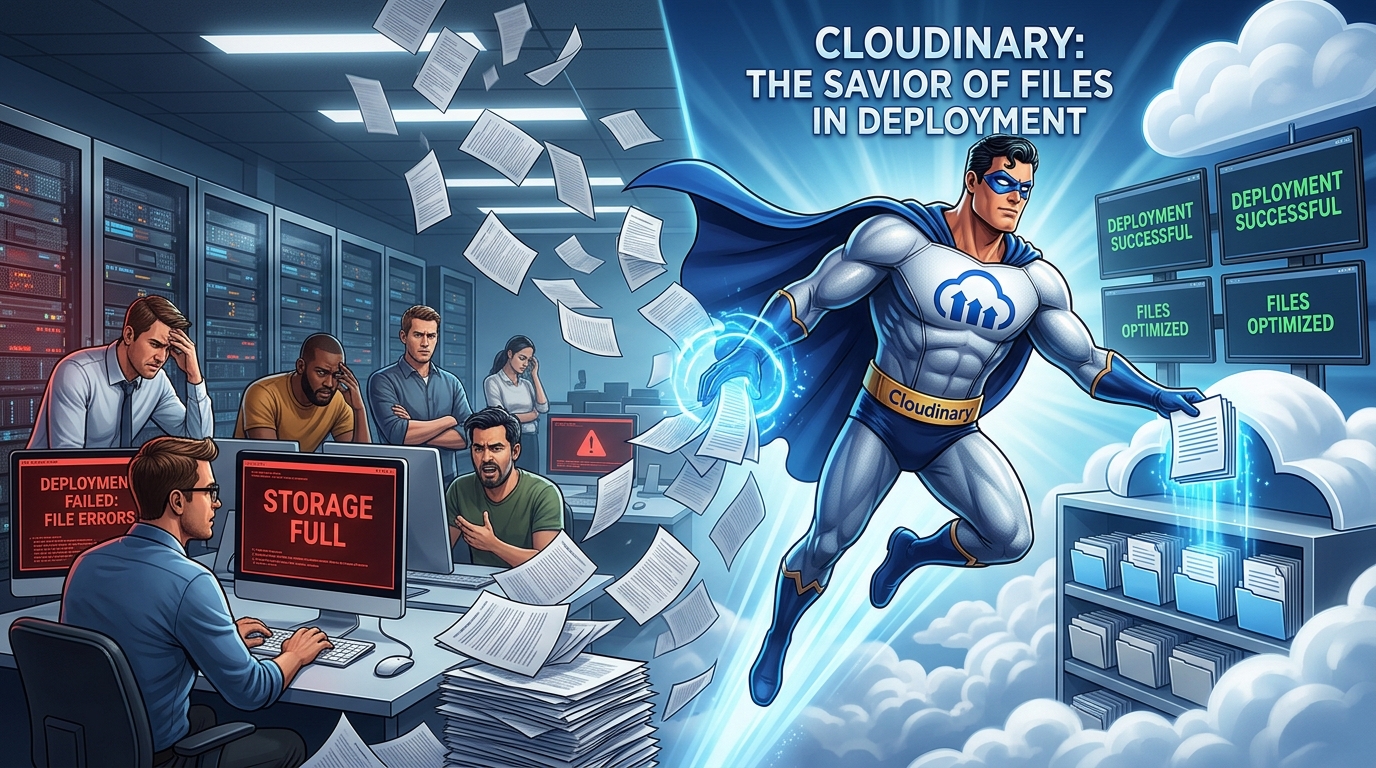
While developing locally, images weren't much of a problem.
But once the application was deployed, I had to think differently about media storage.
My portfolio wasn't just text.
Projects needed images.
Blogs needed cover images.
Experience entries had company logos.
I couldn't just assume that uploaded media would behave exactly like it did on my local machine.
So I introduced Cloudinary for media storage.
The idea was simple:
Instead of relying on the application server to permanently hold uploaded images, Cloudinary would handle the media storage and delivery.
That made much more sense for a deployed application.
Of course, "just use Cloudinary" turned out to involve its own configuration.
I had to connect it with Django, configure the necessary credentials, make sure uploaded files were actually being sent there, and make sure the deployed application could retrieve them properly.
But eventually, media storage started making sense.
At least...
I thought it did.
Then I Realized Projects and Blogs Were Different
This was probably one of the bigger architectural lessons of the whole project.
At first, it was tempting to treat media handling as one generic problem.
An image is an image, right?
Not really.
A Project and a Blog might both have images, but they're completely different types of content.
A project might need:
- Project title
- Description
- Technologies
- GitHub link
- Live link
- Project image
A blog might need:
- Title
- Excerpt
- Full content
- Cover image
- Category
- Tags
- Published date
The more I worked on the Blog system, the more obvious it became that it deserved its own structure.
And I didn't want to keep stacking quick fixes onto the existing implementation.
So I went back.
Again.
Rebuilding the Media Setup
This is the part that isn't particularly visible when someone visits the finished portfolio.
They see a nice project card.
They see a blog cover image.
They click around.
Everything looks normal.
They don't see that some of those pieces had to be rebuilt after deployment exposed the problems.
I had to properly separate the handling for Projects and Blogs.
That meant going through the models, admin configuration, templates, views, URLs, media fields, and the way those images were displayed.
It wasn't exactly rebuilding the entire portfolio from scratch.
But that particular part?
Yeah.
It basically felt like starting again.
And honestly, I think that was the right decision.
There is a point where continuing to patch something becomes more work than rebuilding it properly.
I reached that point.
So I rebuilt it.
Making Projects and Blogs Their Own Things
Once I separated them, everything became easier to reason about.
Projects could have their own fields and image handling.
Blogs could have their own structure and cover images.
The admin could manage them independently.
The templates could display exactly what each content type needed.
And the frontend could still make everything look like part of the same portfolio.
That distinction ended up being important.
A consistent design doesn't mean every feature needs the same backend structure.
Projects and blogs can look like they belong together while still being completely different underneath.
That made the application cleaner.
And hopefully, future me will appreciate that decision when I inevitably decide to change something again.
And Then There Was the Custom Domain
At this point, the website was actually deployed.
The application worked.
The database worked.
The images worked.
The content was showing up.
So I had one final thing to do.
Use my own domain.
Sounds easy.
It wasn't.
I connected the domain to the deployed application and started dealing with DNS configuration.
And then came the waiting.
And checking.
And changing things.
And checking again.
And wondering whether I had configured something incorrectly.
Then checking again.
DNS has a special ability to make you question whether you've actually done anything at all.
You change something.
Nothing happens.
You wait.
Still nothing.
You check the configuration.
You change something else.
Wait again.
At some point you start wondering if the problem is your hosting platform, your DNS records, your domain provider, or simply the universe deciding that your portfolio doesn't deserve a custom domain.
Two Days.
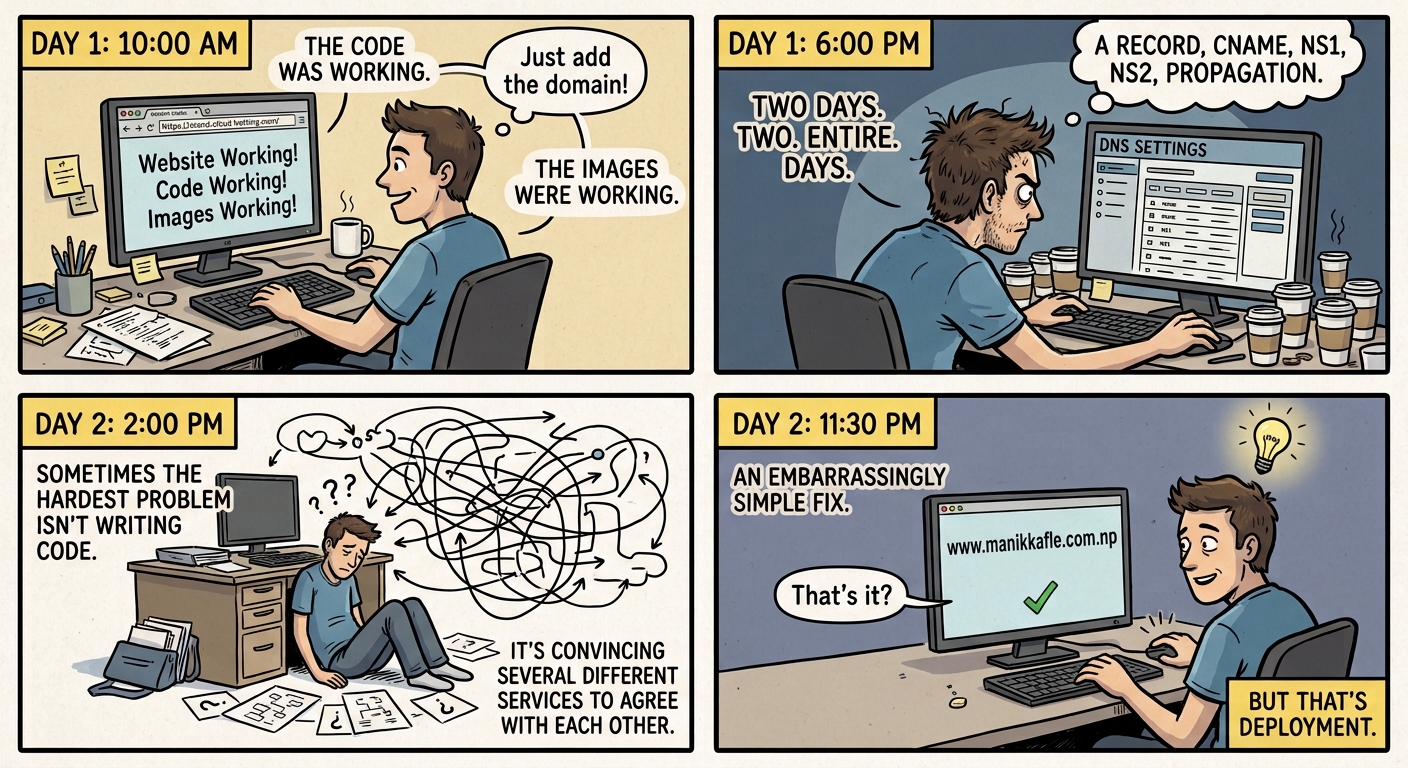
Two.
Entire.
Days.
That's how long the custom domain part took.
Not because adding a domain is some impossible engineering challenge.
It was the combination of configuration, DNS propagation, checking records, figuring out what was actually wrong, and making sure the domain was correctly connected to the deployed application.
The frustrating part was that the website itself was already working.
The code was working.
The database was working.
The images were working.
I just couldn't get the domain situation to behave the way I wanted.
It became one of those problems where you spend a ridiculous amount of time on something that, when finally fixed, feels almost embarrassingly simple.
But that's deployment.
Sometimes the hardest problem isn't writing code.
It's convincing several different services to agree with each other.
Finally, It Was Live
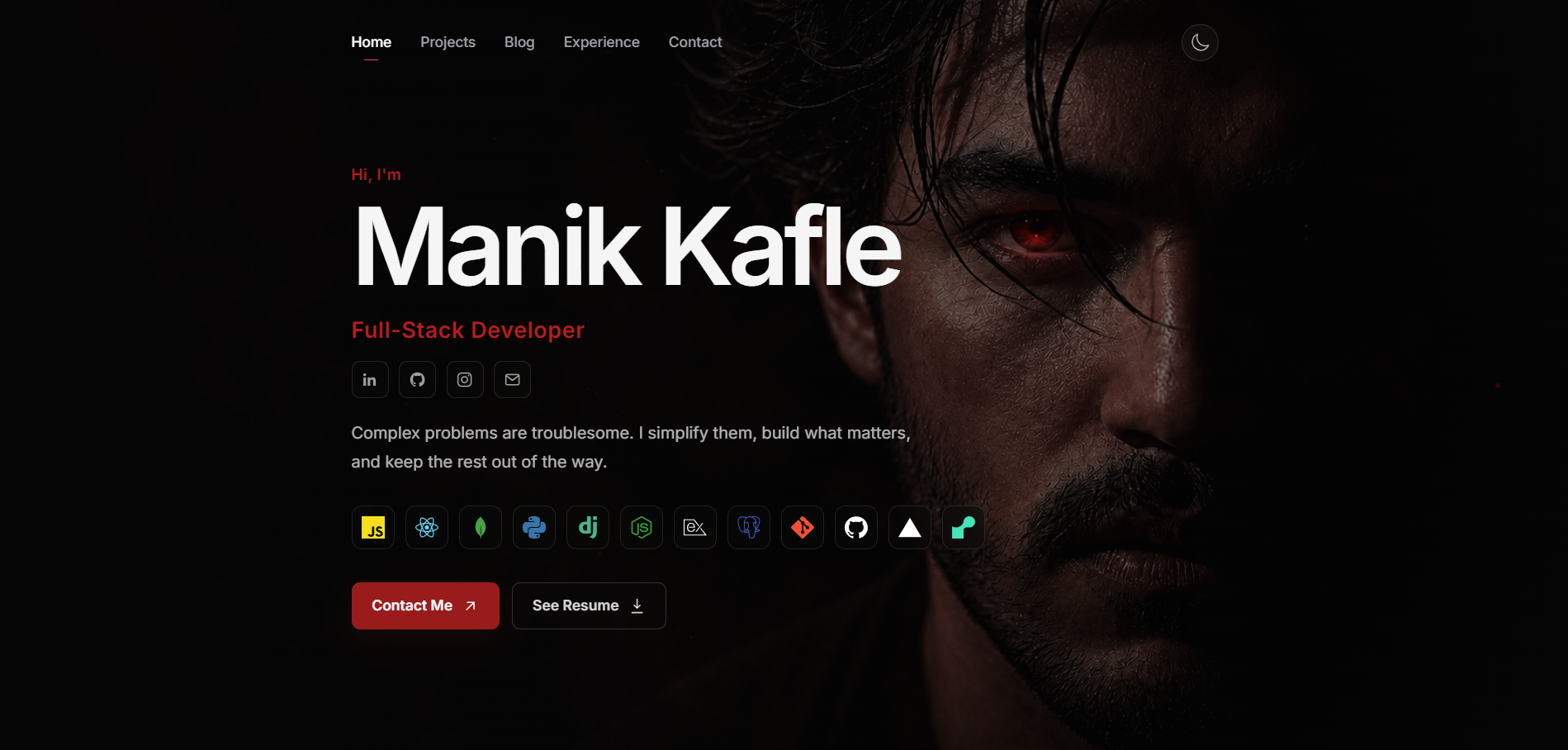
Eventually, it worked.
The portfolio was no longer sitting on localhost.
It was deployed.
The database was running on PostgreSQL.
The media was being handled through Cloudinary.
The migrations were applied.
Projects and Blogs had their own proper structures.
And the custom domain finally pointed where it was supposed to.
After all that, opening the website through the actual domain felt different.
It wasn't just:
"My Django project works."
It was:
"I actually deployed something."
That distinction matters.
What Deployment Actually Taught Me
Before this project, I mostly thought about development in terms of features.
Need a Projects section?
Build it.
Need Experience?
Build it.
Need a Blog?
Build it.
Need images?
Add image uploads.
Deployment forced me to think about everything underneath those features.
Where does the database live?
Where do uploaded files go?
What happens to migrations?
What dependencies does production need?
Where are the secrets stored?
What happens when the environment is completely different from my laptop?
What happens when an actual user interacts with the application?
Those questions aren't necessarily fun.
But they're important.
The “Works on My Machine” Problem Is Real
I think this was probably the biggest lesson from the entire process.
When something works locally, it's very easy to assume you're almost finished.
But your local environment has a lot of invisible advantages.
Your packages are already installed.
Your database is already configured.
Your files are already available.
Your environment variables are already familiar.
Your machine knows where everything is.
Production doesn't.
You have to explicitly configure it.
That means deployment isn't really the final step of development.
It's another stage of development.
And sometimes, it's the stage where your previous decisions get tested.
I Also Learned That Rebuilding Isn't Always Failure
One thing I used to think was that if I had to rebuild something, I had done something wrong.
I don't think that anymore.
Sometimes you simply understand the problem better after building the first version.
The first implementation teaches you what the actual requirements are.
Then the second implementation can be better.
That's basically what happened with the Project and Blog media handling.
I could have kept patching the original setup.
Instead, I stepped back and separated the two properly.
It took more time.
But now the structure makes more sense.
And that's probably better than saving a few hours today and creating a bigger headache for myself later.
What I'd Do Differently Next Time
If I started another Django project today, I'd think about production much earlier.
Not necessarily deploy immediately.
Just design with deployment in mind.
I'd think about:
Database
What database am I using in production?
Dependencies
Does requirements.txt contain everything the deployment environment actually needs?
Environment variables
Which settings and secrets belong outside the code?
Static files
How will CSS, JavaScript, and other static assets be handled?
Media
Where will uploaded images actually live?
Migrations
How will the production database stay in sync with the models?
External services
Can I change providers later without rewriting the entire application?
Domain
Maybe don't leave DNS until the very end.
Actually...
Definitely don't leave DNS until the very end.
The Portfolio Became a Project of Its Own
The funny thing is that I originally built this portfolio to showcase my projects.
Instead, the portfolio itself became one of them.
I worked with Django.
I connected PostgreSQL through Neon.
I dealt with psycopg and production dependencies.
I learned how migrations behave outside my local environment.
I introduced Cloudinary for media storage.
I rebuilt the Project and Blog media structure.
I dealt with deployment configuration.
And I spent two days fighting with a custom domain.
None of those things were particularly revolutionary.
But together, they made the project much more than a collection of frontend pages.
It became something I actually had to maintain.
Looking Back
If I could go back to the beginning, I'd probably spend more time thinking about production before writing the first line of code.
Not because I could have avoided every problem.
I probably couldn't.
There are some things you only understand after something breaks.
The psycopg issue taught me about production dependencies.
The missing Experience table taught me about migrations.
Cloudinary taught me to think properly about media storage.
The Project and Blog rebuild taught me not to force different content types into the same structure just because they both happen to use images.
And the custom domain?
That taught me patience.
A lot of patience.
Probably more than I wanted.
Final Takeaway
The biggest thing I learned from moving this portfolio from localhost to production is that building an application and deploying an application are two different problems.
On localhost, you're mostly asking:
Does my code work?
In production, you have to ask:
Does everything around my code work too?
The application.
The database.
The dependencies.
The migrations.
The environment.
The media storage.
The external services.
The domain.
And eventually, the users.
Because users don't care that everything worked perfectly on localhost.
They just click the button.
And they expect something to happen.
That's probably the most practical lesson I got from this project.
Production is where your assumptions get tested.
And sometimes those assumptions survive.
Sometimes they don't.
When they don't, you fix them, learn something, and keep going.
That's pretty much how this portfolio went from:
localhost:8000
to an actual website on its own domain.
It took more work than I expected.
It broke more things than I expected.
It took two days longer than I expected.
But...
It works.
So I guess that's good enough for now.
Until the next thing breaks.